
ReApptor Component Library
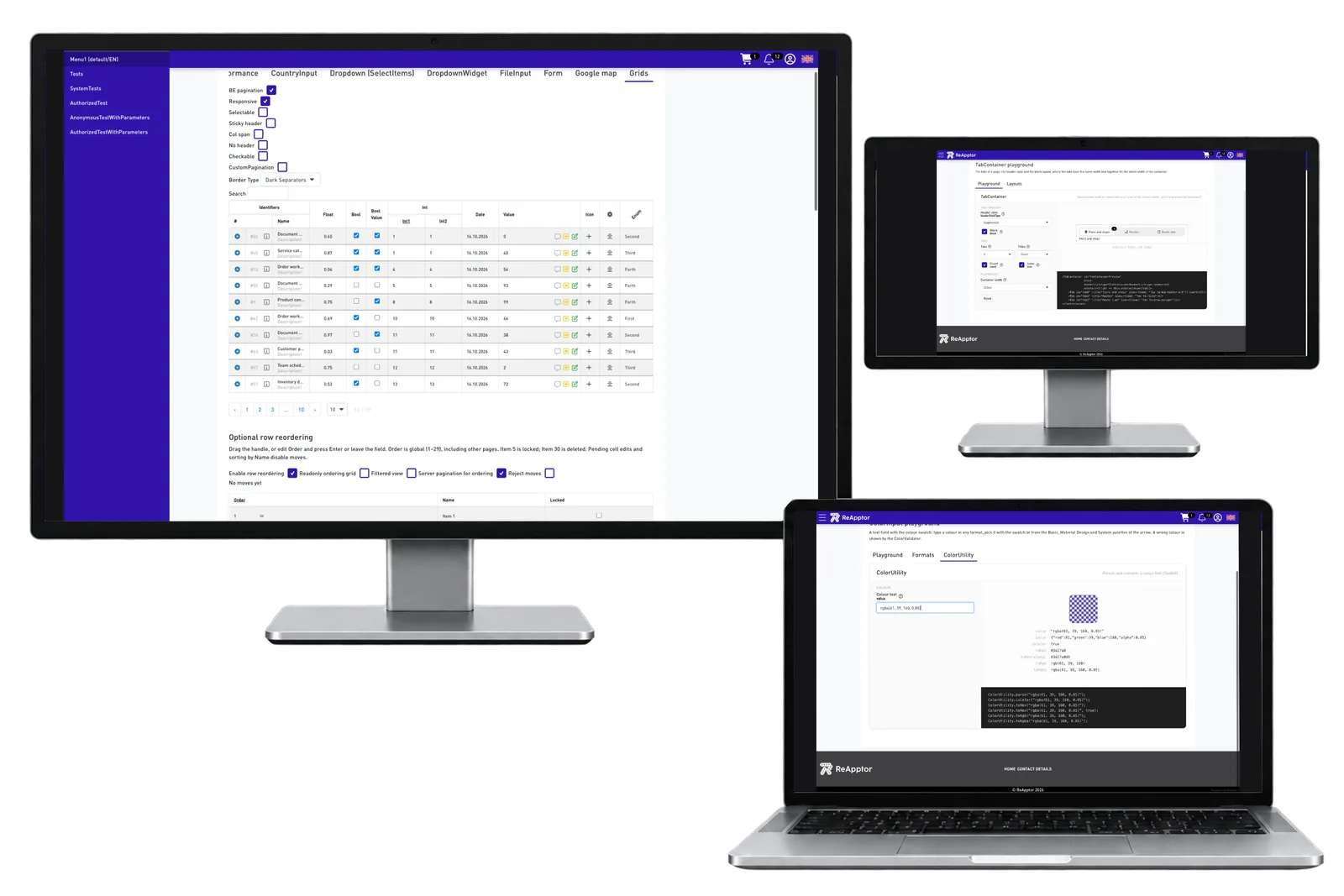
The ReApptor Component Library is the foundation of the ReApptor Product Suite. It includes more than 80 ready React components, from forms, inputs and grids to layouts, navigation, maps, QR scanning and signatures. Shared .NET and TypeScript libraries add storage, PDF, SMS and localization. Together they power our rapid development service, which turns an idea into a working product in just two weeks.
- Published libraries Released developer libraries used as building blocks in ReApptor applications.
Case overview
Business problem
Keep development focused on your business
A business application needs more than its unique process. People also need to sign in, find records, fill in forms, work with tables and navigate between tasks. Building those familiar parts again for every project leaves less attention for the work that makes your company different.
A shared foundation lets a project start with existing interface elements and extend them around the customer’s roles, information and daily decisions.
Ready components, tailored workflows
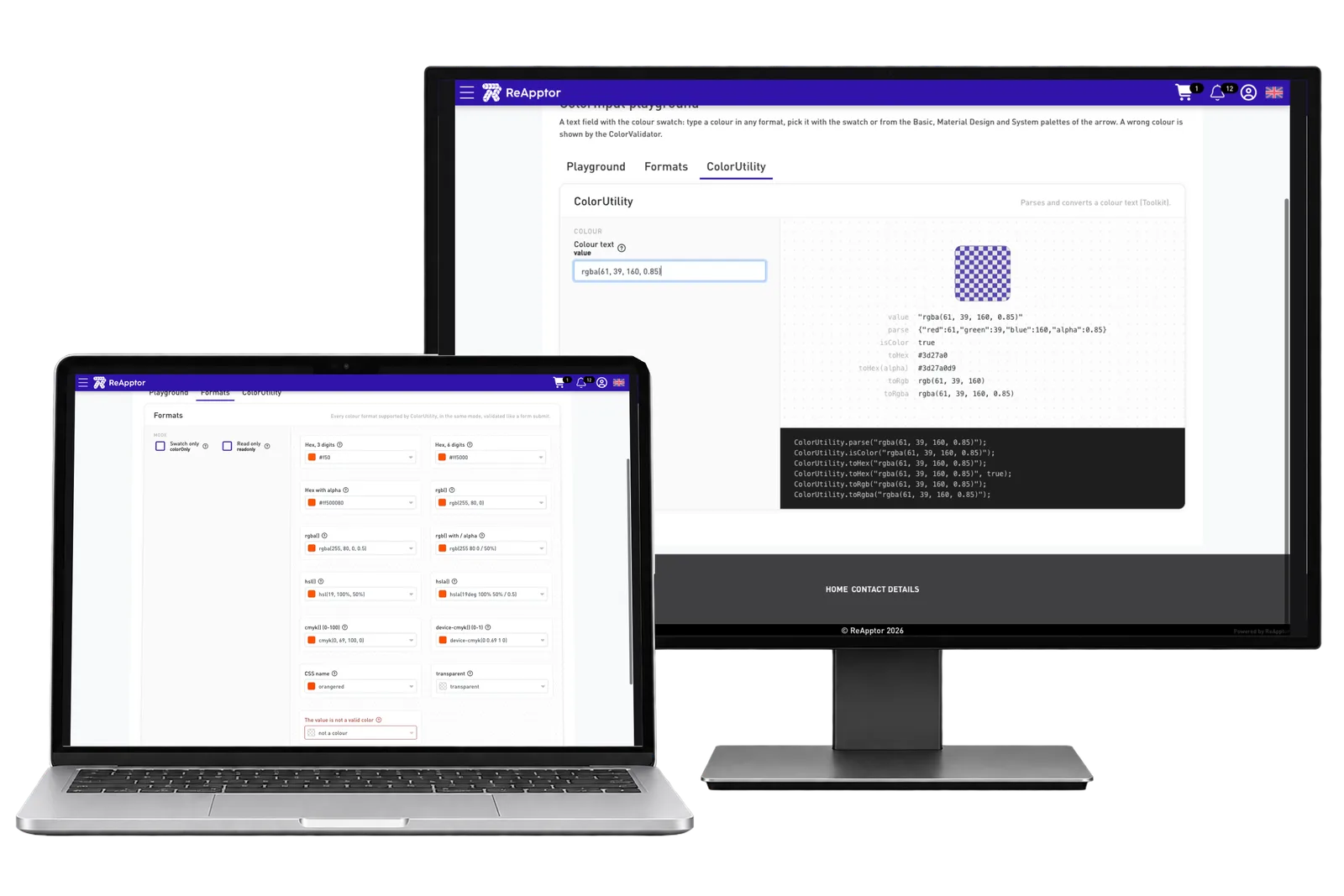
ReApptor’s React components cover forms, inputs, data grids, layouts and navigation. Maps, QR scanning and signatures support work that moves between the office and the field. Shared .NET and TypeScript libraries add capabilities such as file storage, PDF handling, SMS and localization.
The library supplies reusable building blocks rather than a fixed business process. We combine them in customer applications and build the project-specific workflows around them. The result is a familiar foundation for the interface, with room for the functionality that your business actually needs.
Screenshots and media
Screenshots and media
Product capabilities
What customers and teams can do
Work directly in the table
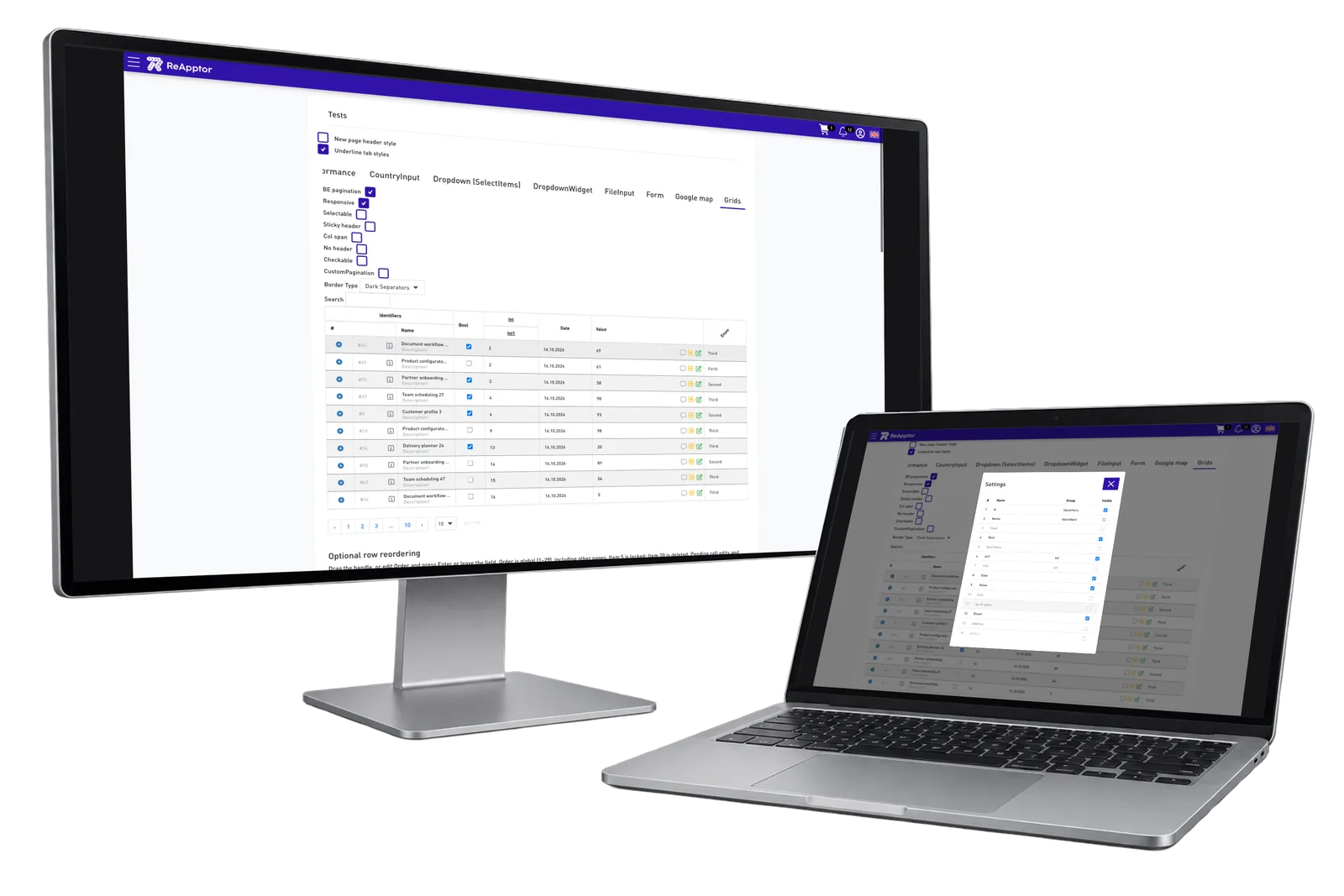
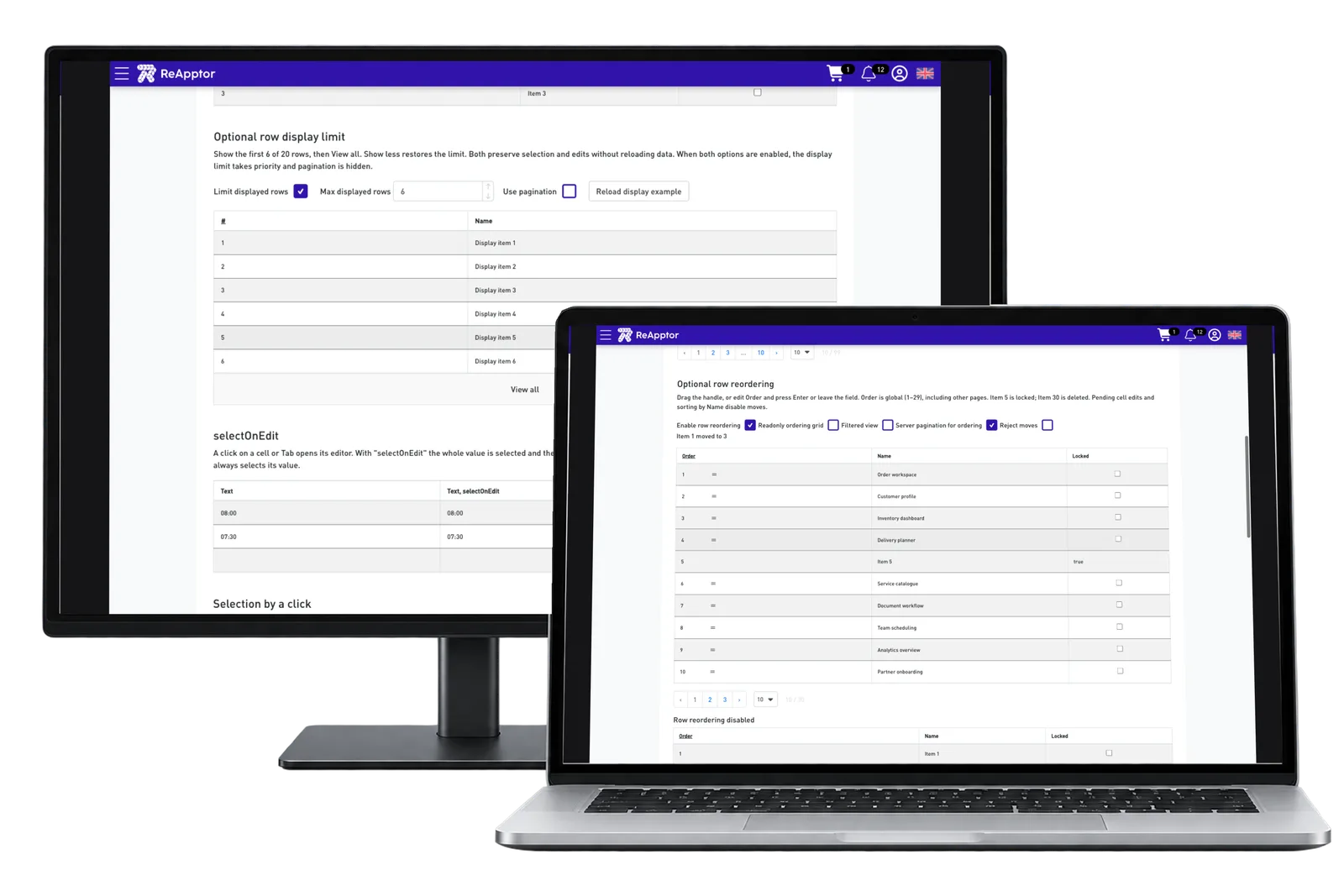
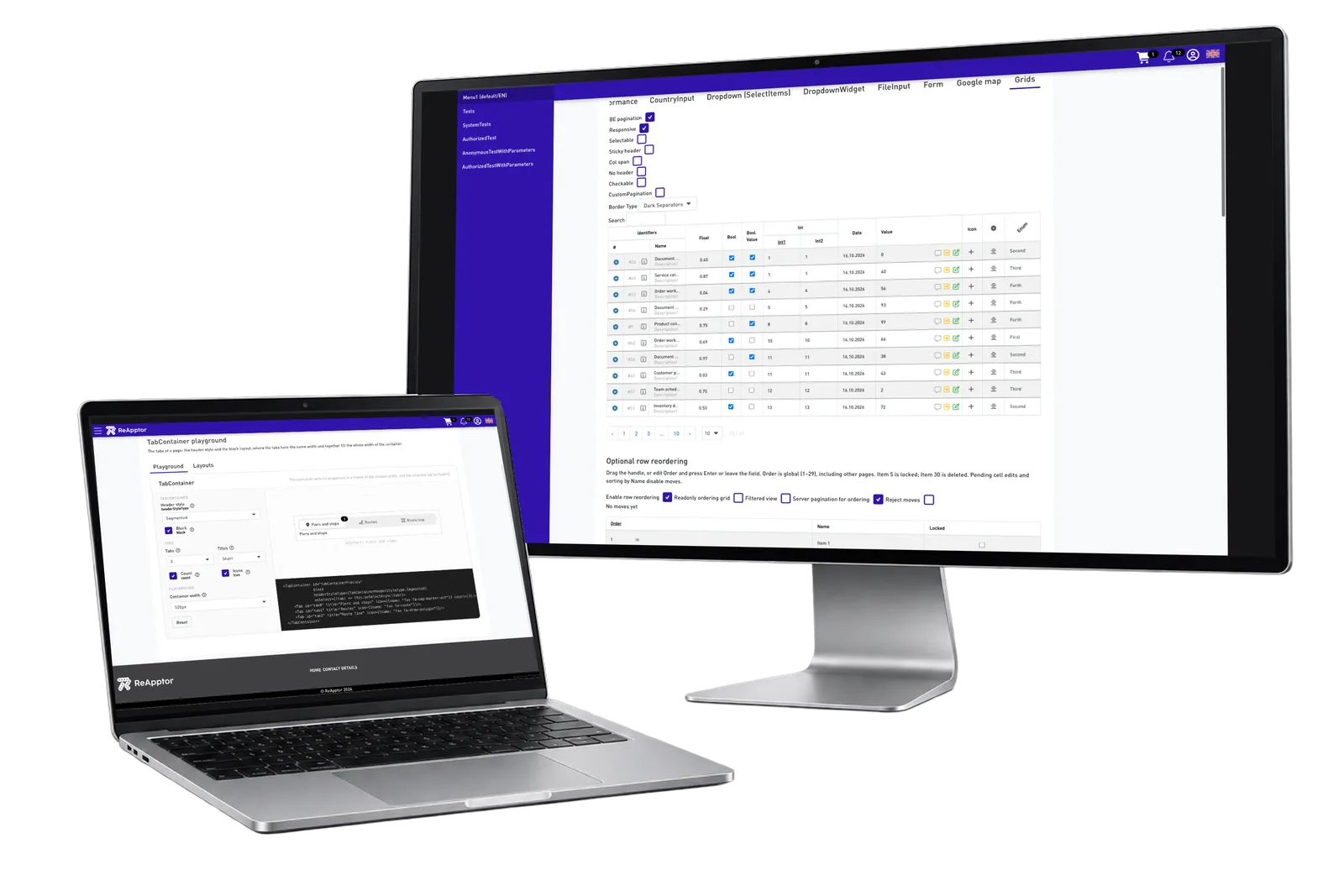
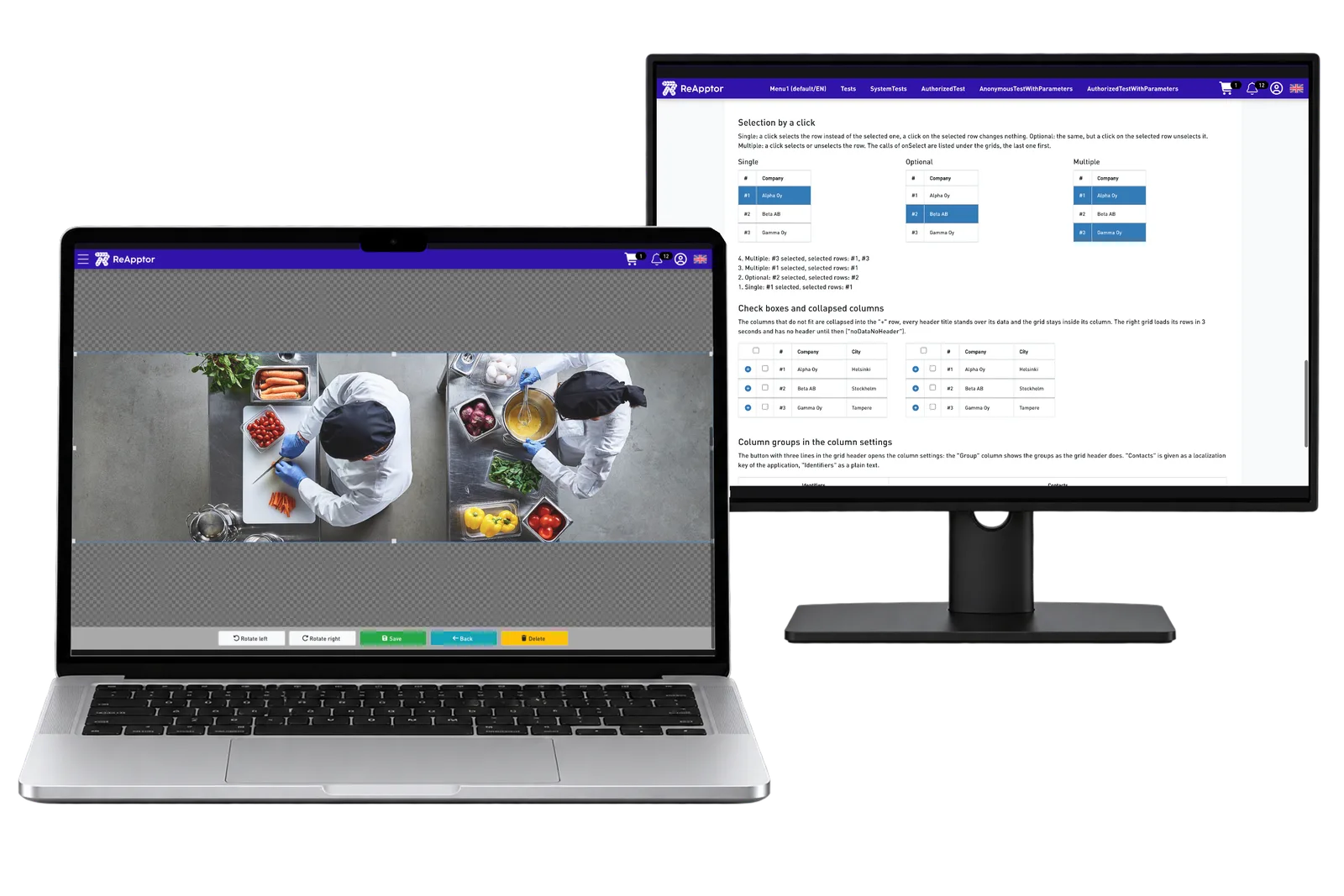
The Grid workbench shows editable values, dates and choices alongside column settings. Separate examples demonstrate row ordering and display limits. Developers can try these behaviours before combining them in an application, while users can work with related records in one view. The project still defines which fields are editable and which rules apply when information changes.
Guide choices and navigation
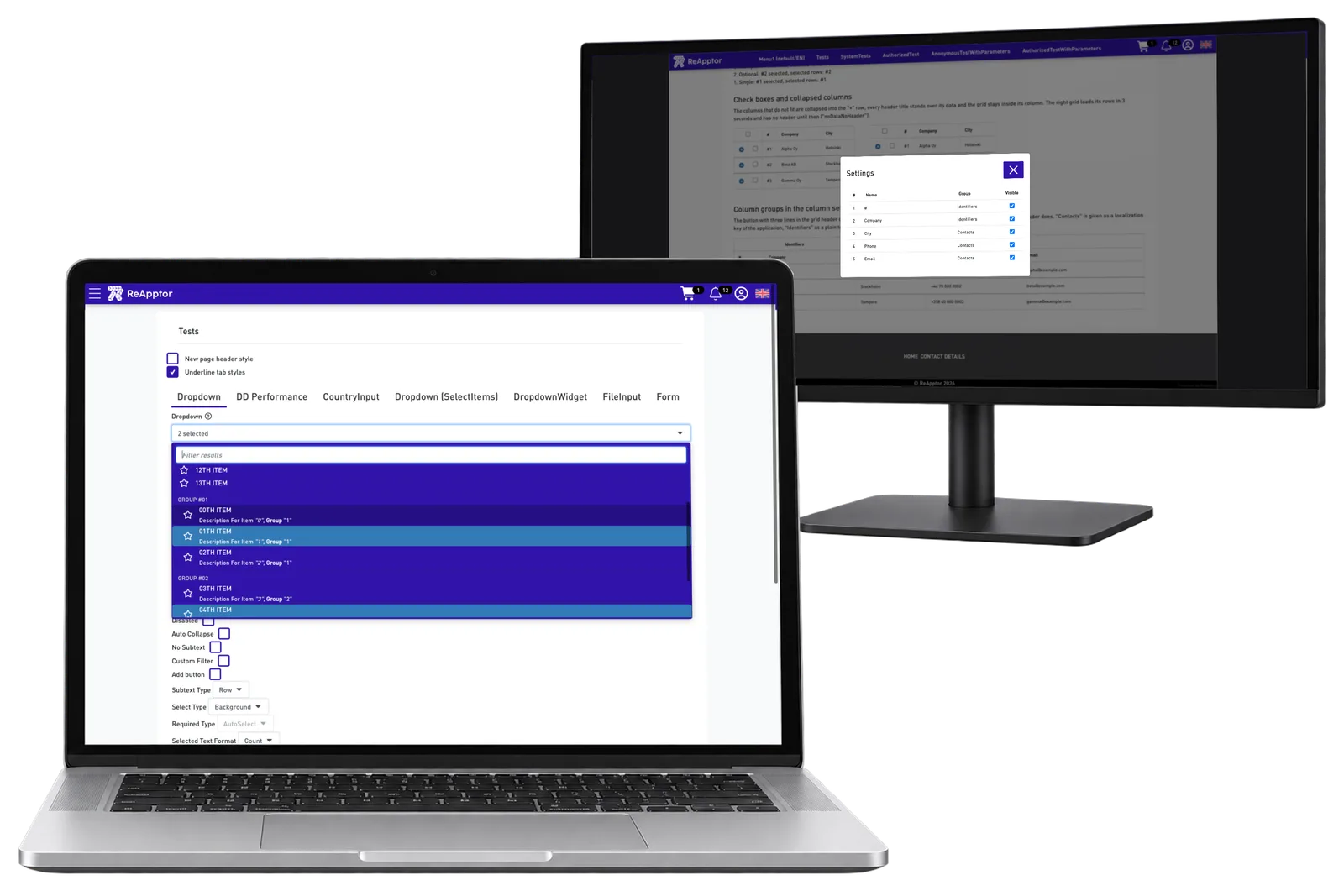
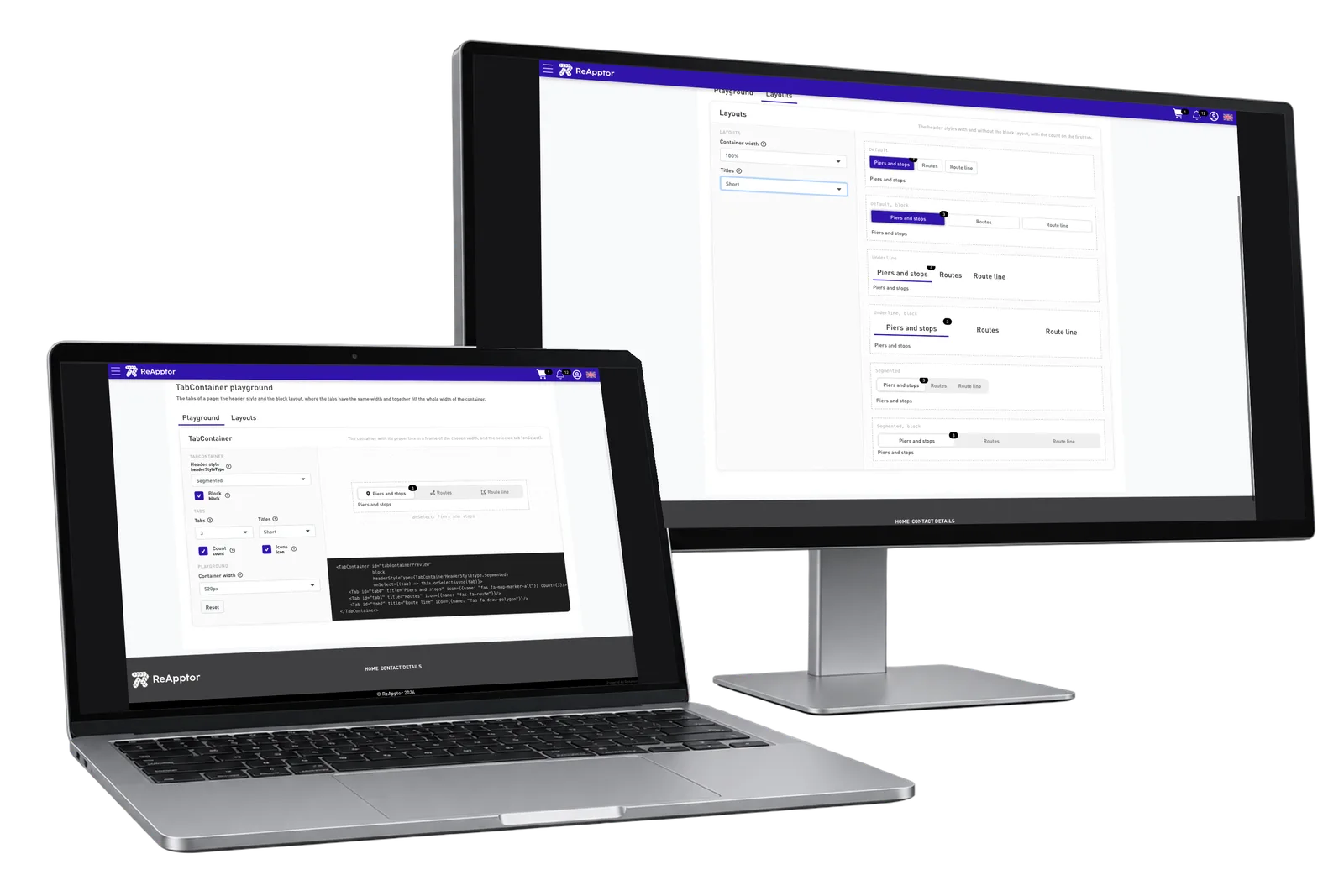
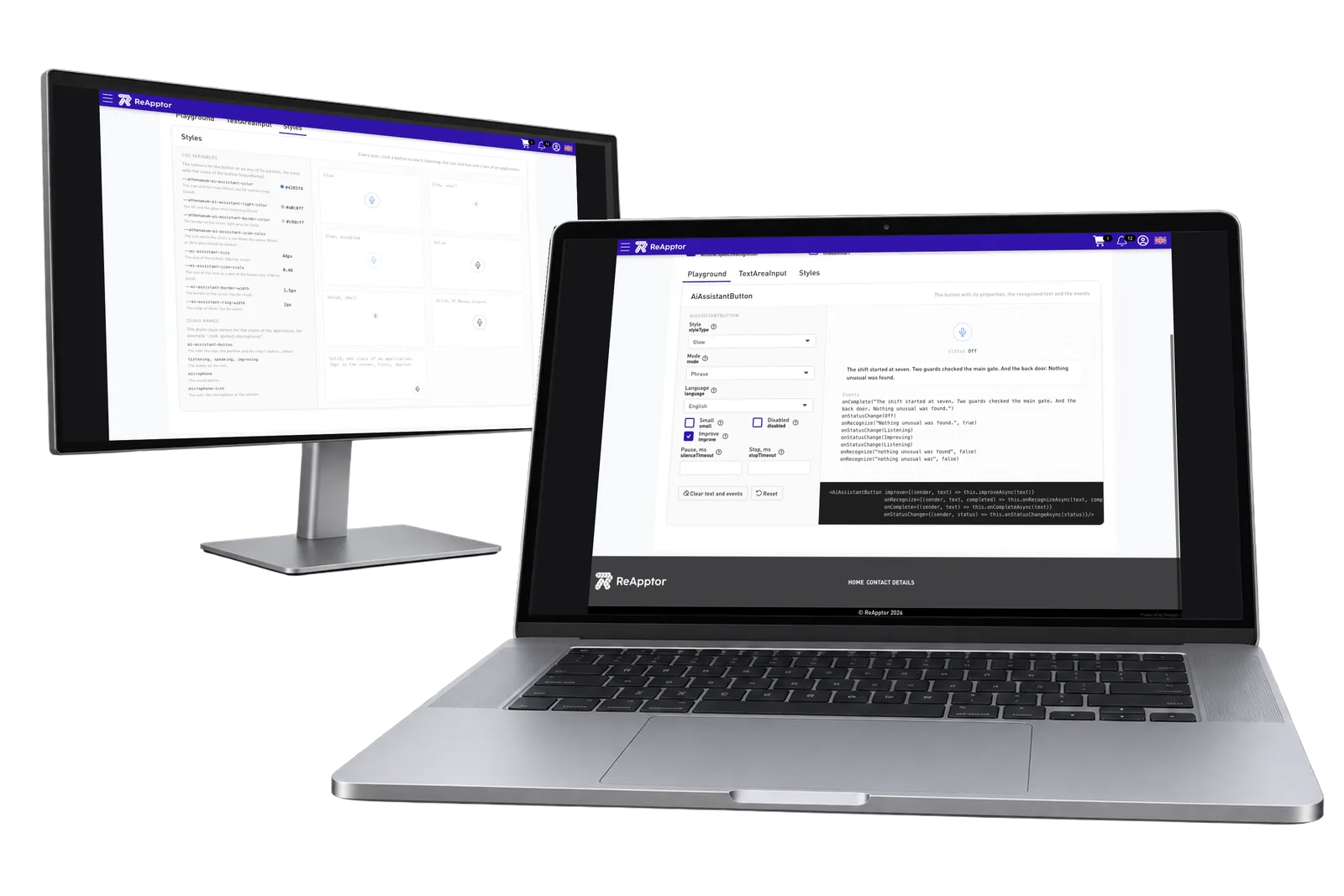
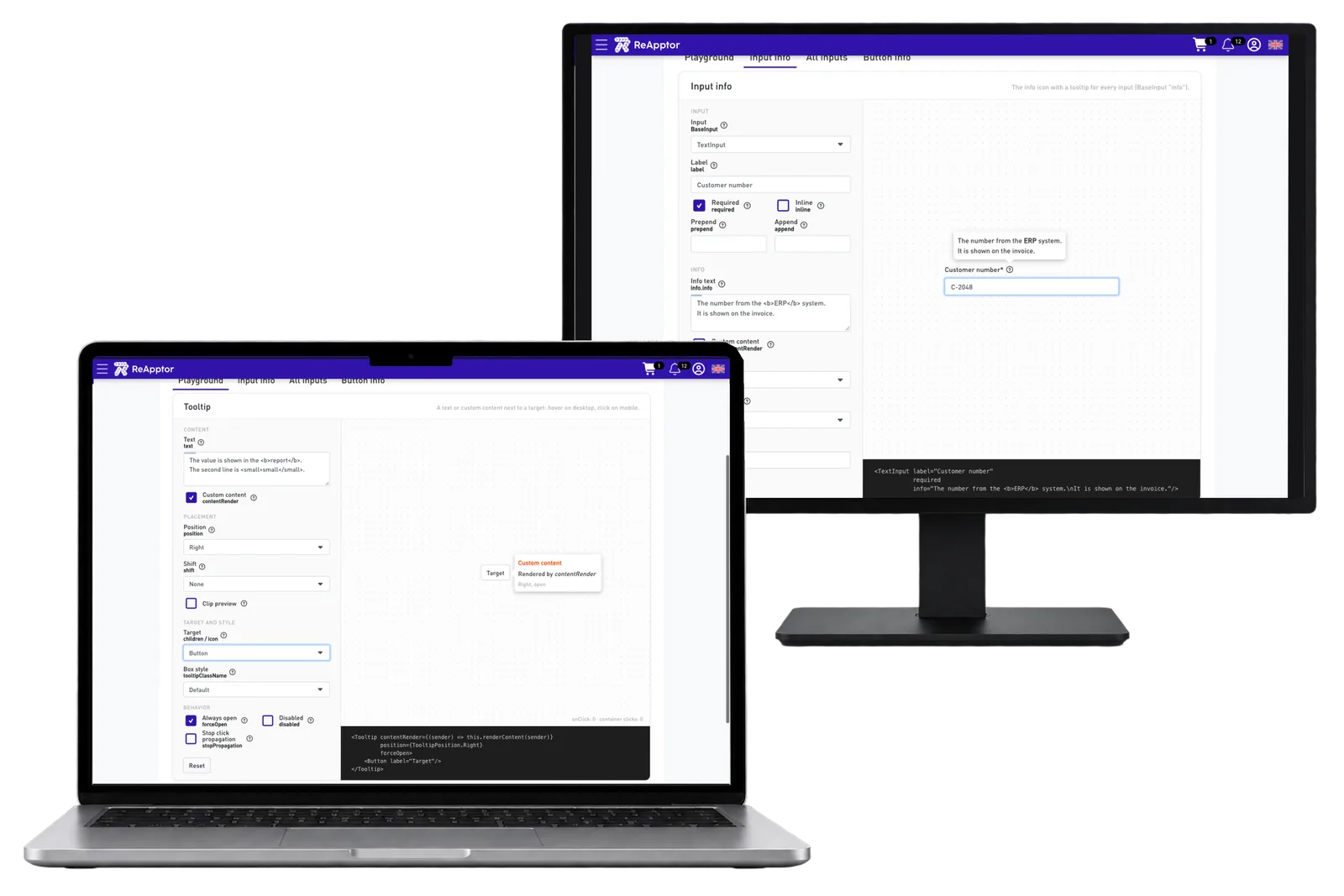
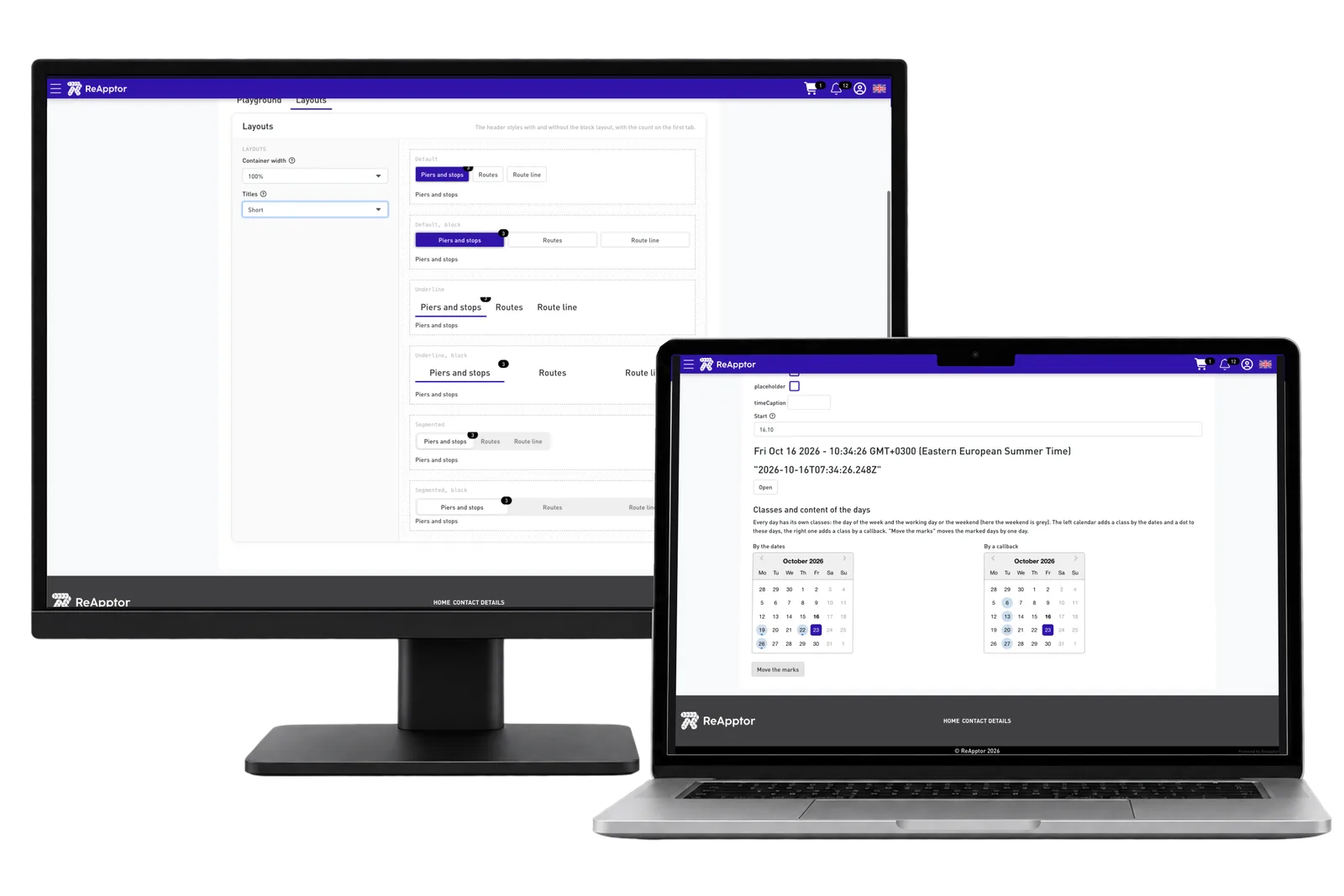
Dropdown examples cover searching, grouped options and multiple selections. Left navigation and tab examples show ways to organise a larger workspace without putting every task on one screen. Contextual help explains a field beside the input. The test application lets developers compare these choices with populated examples and choose the combination that suits the actual workflow.
Need a similar platform?
ReApptor builds reusable SaaS platforms for business-critical workflows.
Get in touch