
- Service catalogue
- Application operations
- SaaS delivery
ReApptor Portalfrom service offer to daily operations
From a service offer to a managed application: a catalogue for buyers and operational tools for the team behind delivery.
ReApptor Portal connects a public service catalogue with the operational work behind customer applications. Teams configure applications, follow environment preparation, monitor running services and investigate cloud costs in the context of the customers they serve.
- Live product The product is in real use with live customer orders and day-to-day operations.
- Active development The product is actively extended with paid development, including new larger modules and vertical scaling.
- License updates Continuous improvements, UX refinements and functional updates are delivered through the ongoing development license.
- English (English)
- Suomi (Finnish)
- Norsk (Norwegian)
- Polski (Polish)
- Svenska (Swedish)
- Dansk (Danish)
- Українська (Ukrainian)
- Русский (Russian)
ReApptor can build multilingual workflows for teams and customers working across markets!
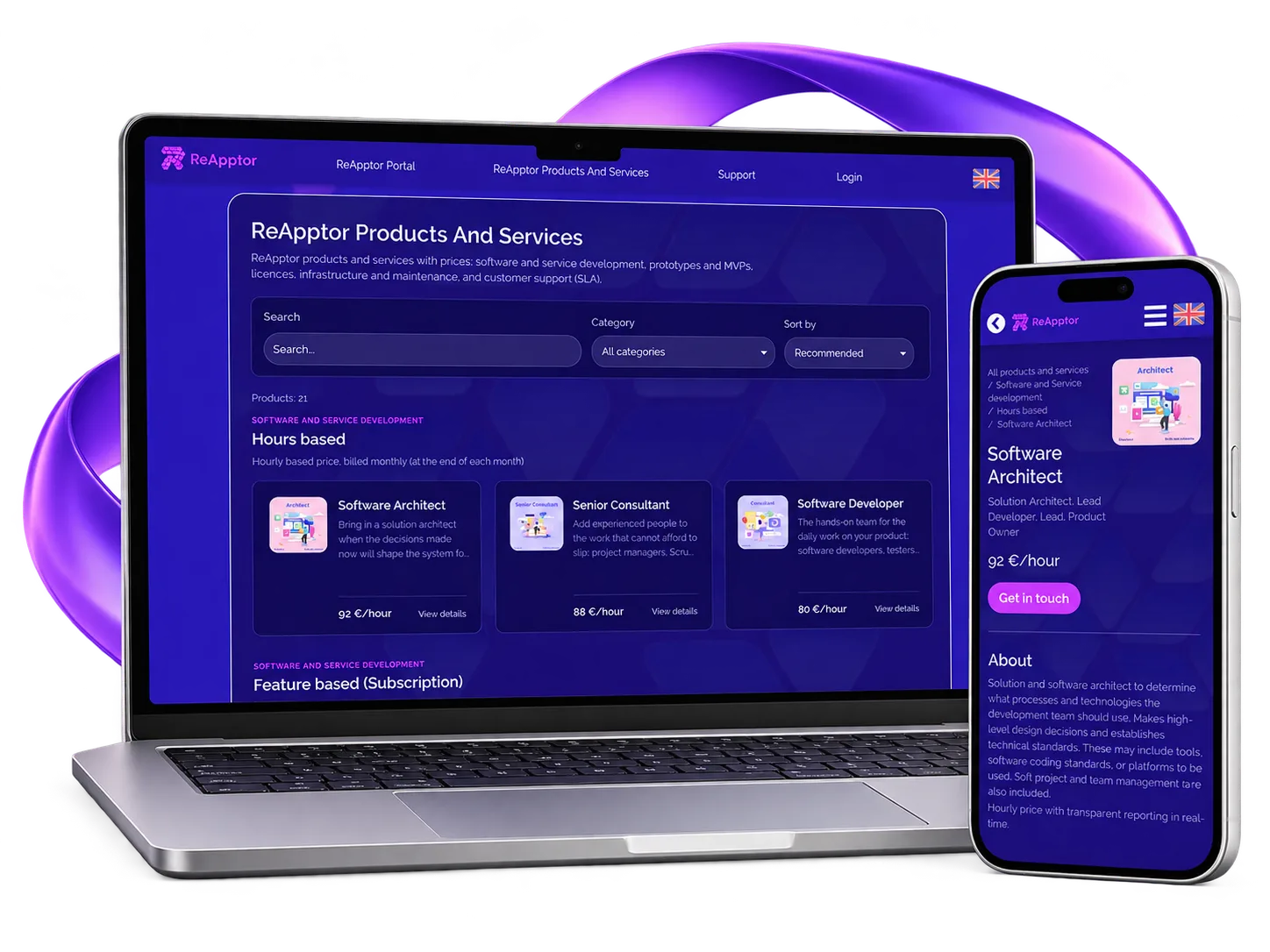
Case overview
Key results
Environment types
Test, staging and production have separate setup states, giving the delivery team a clear view of each environment.
Service catalogue
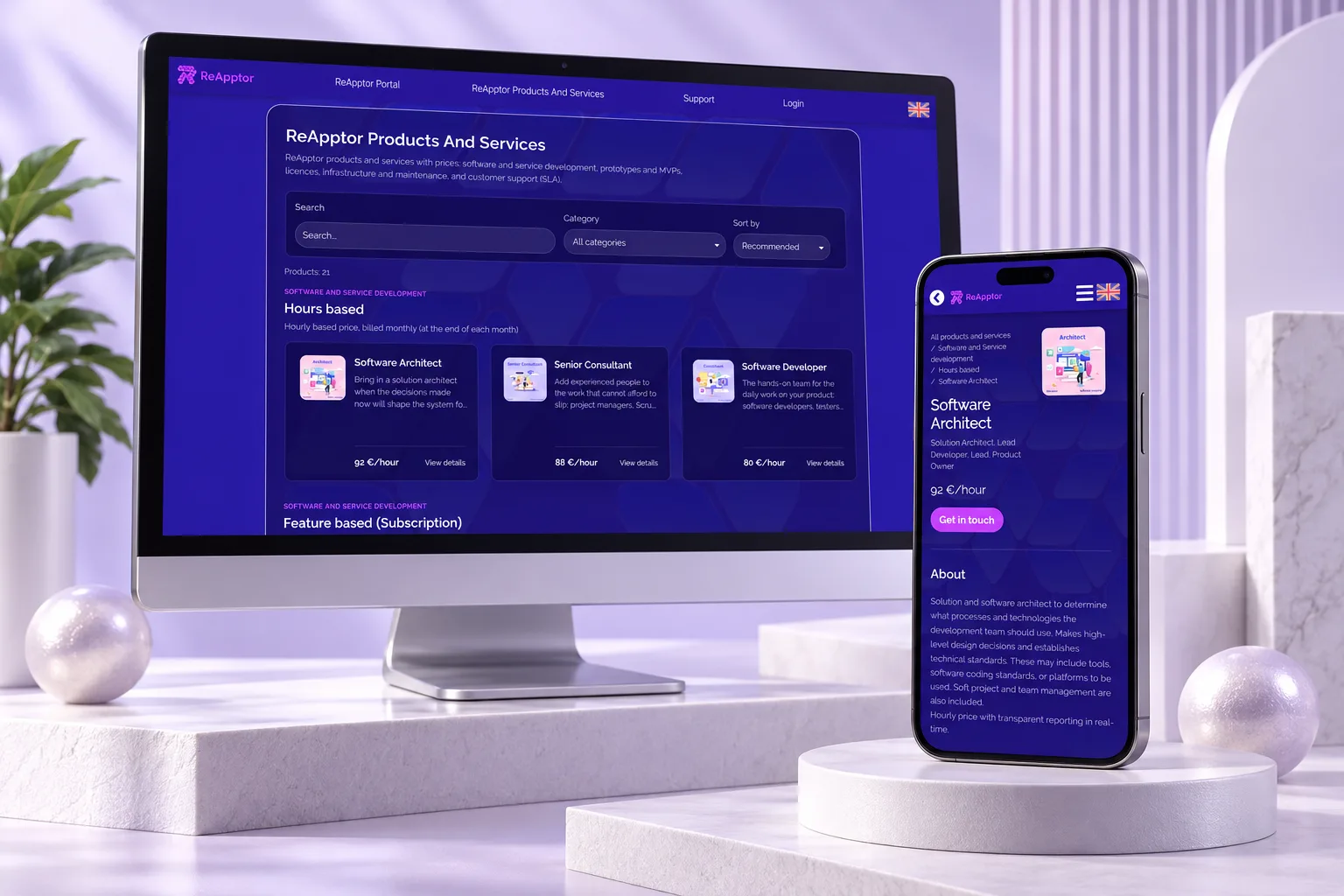
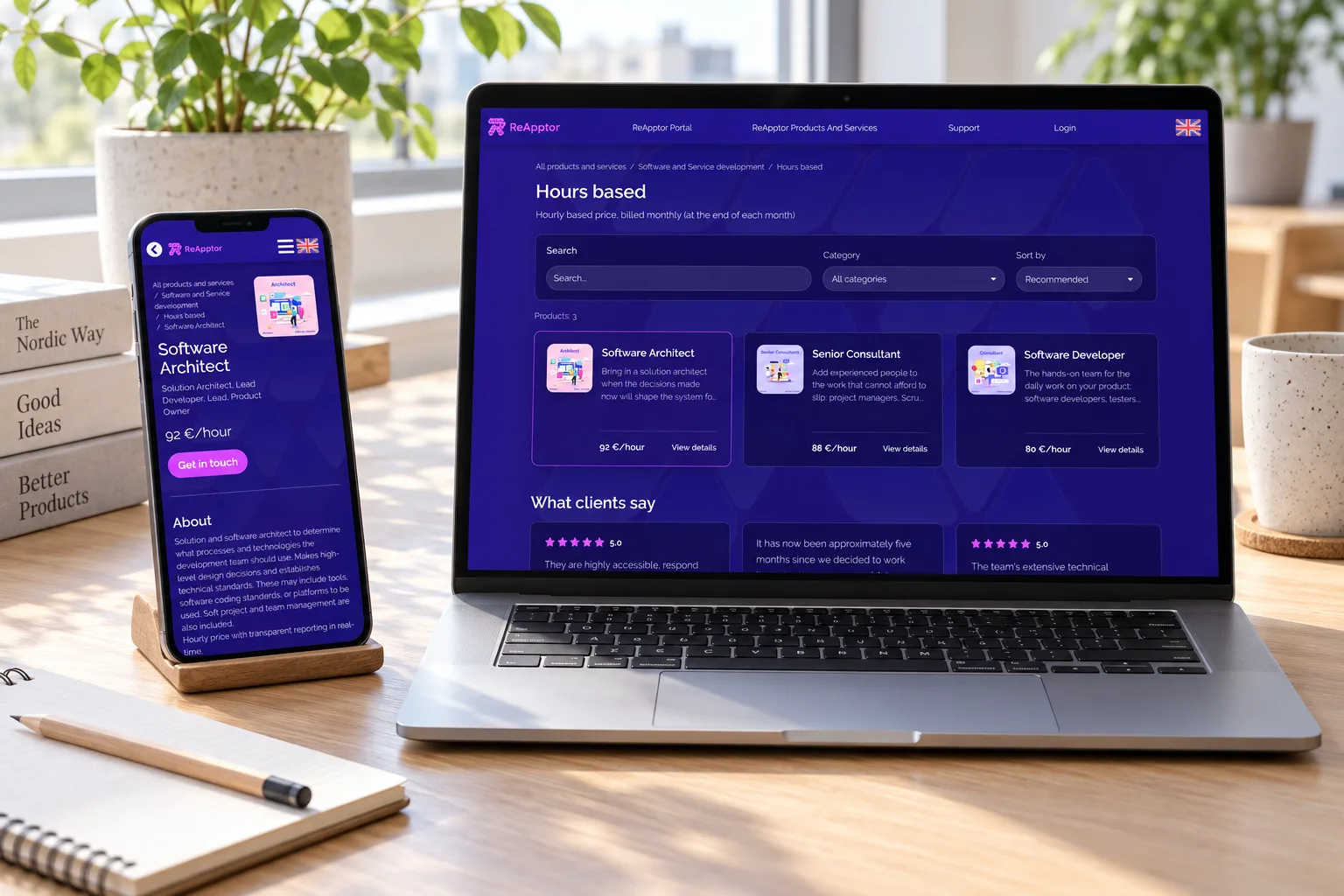
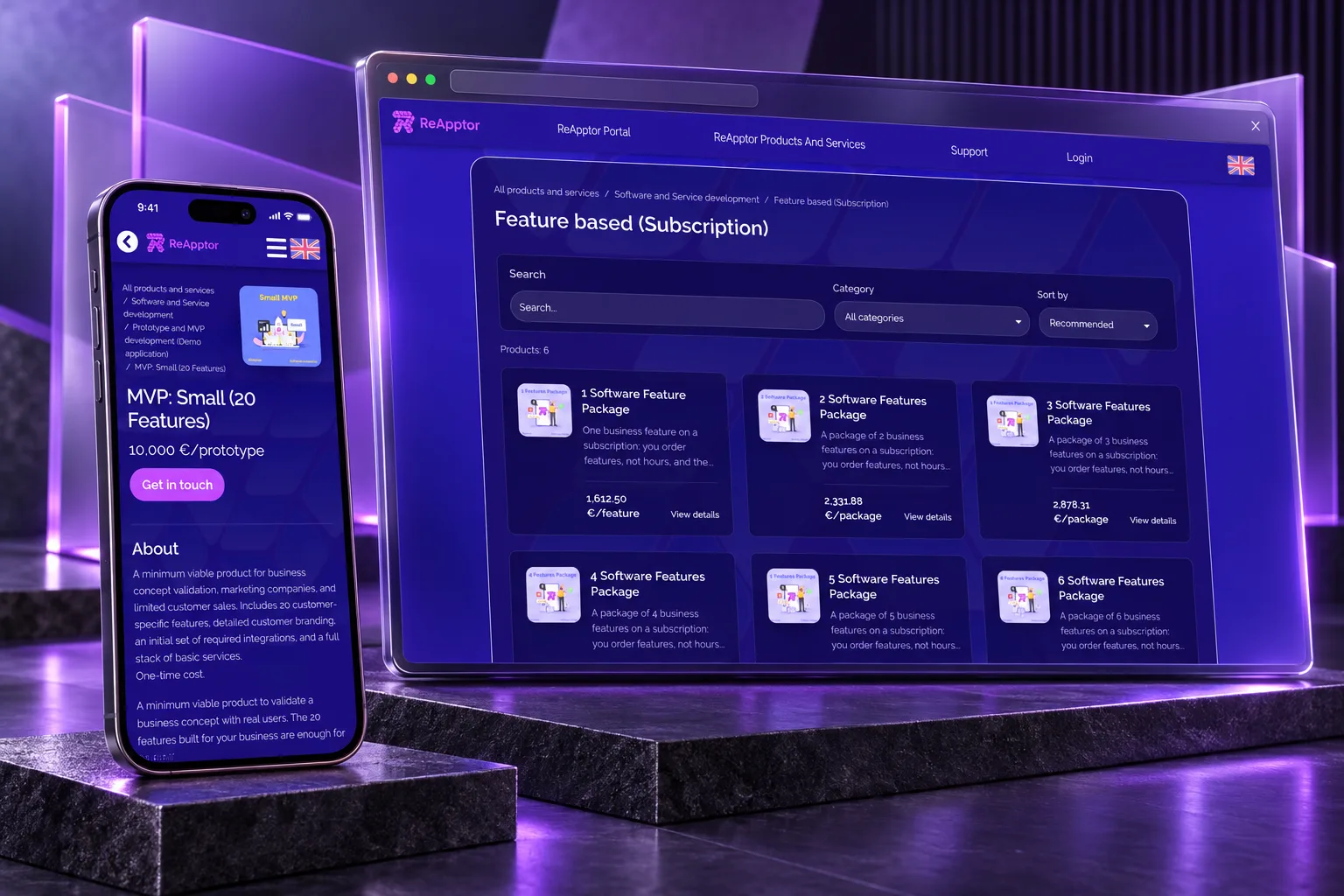
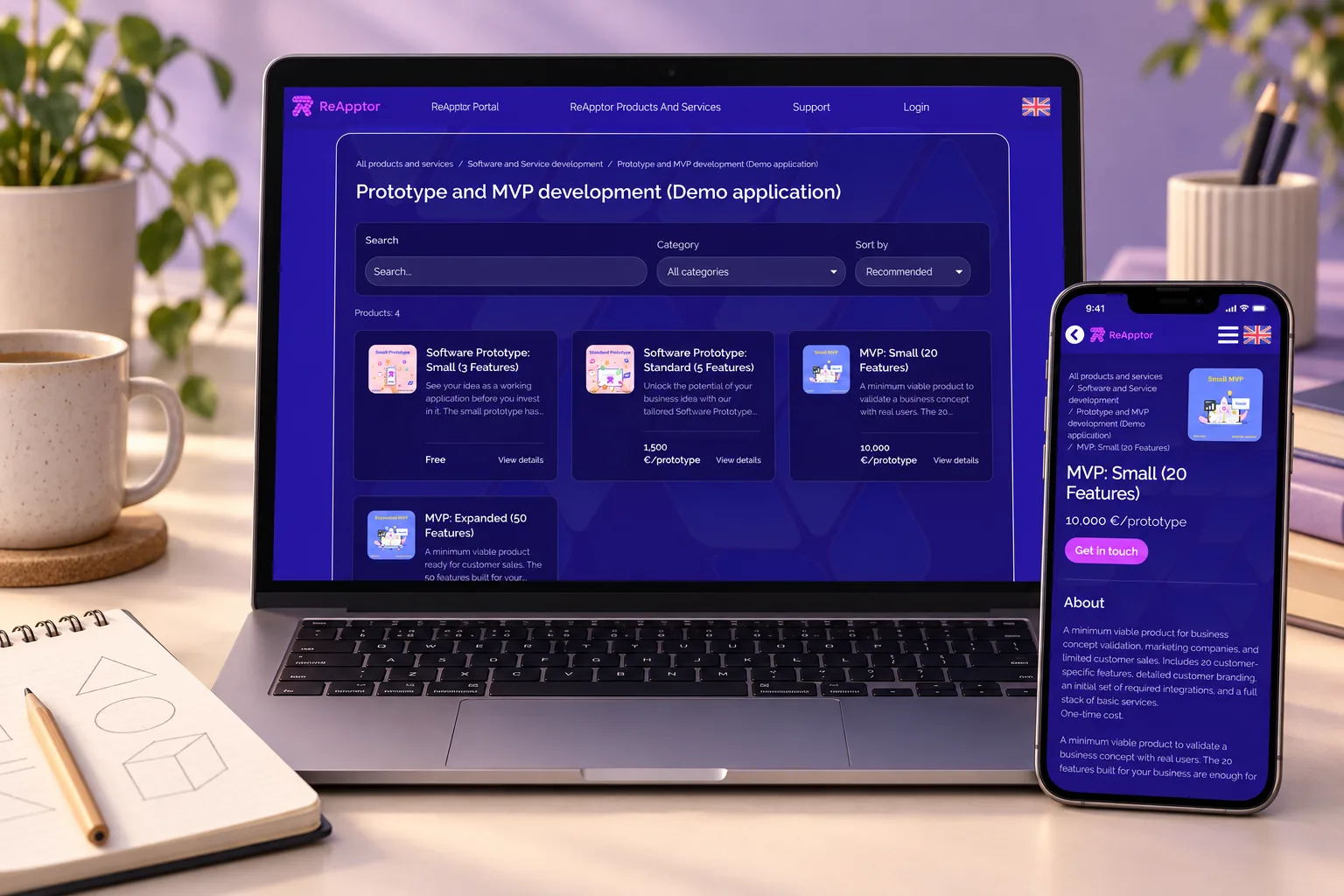
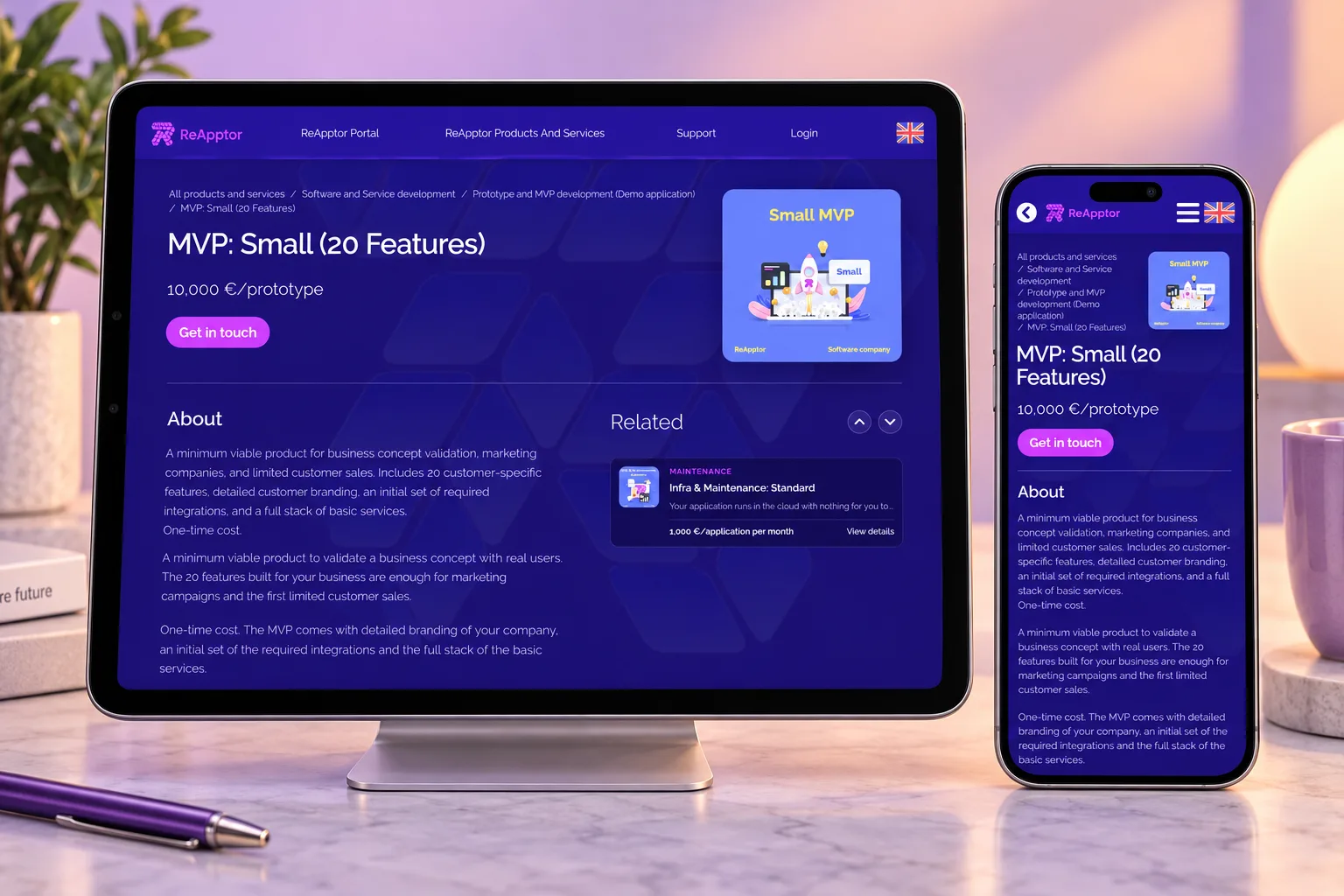
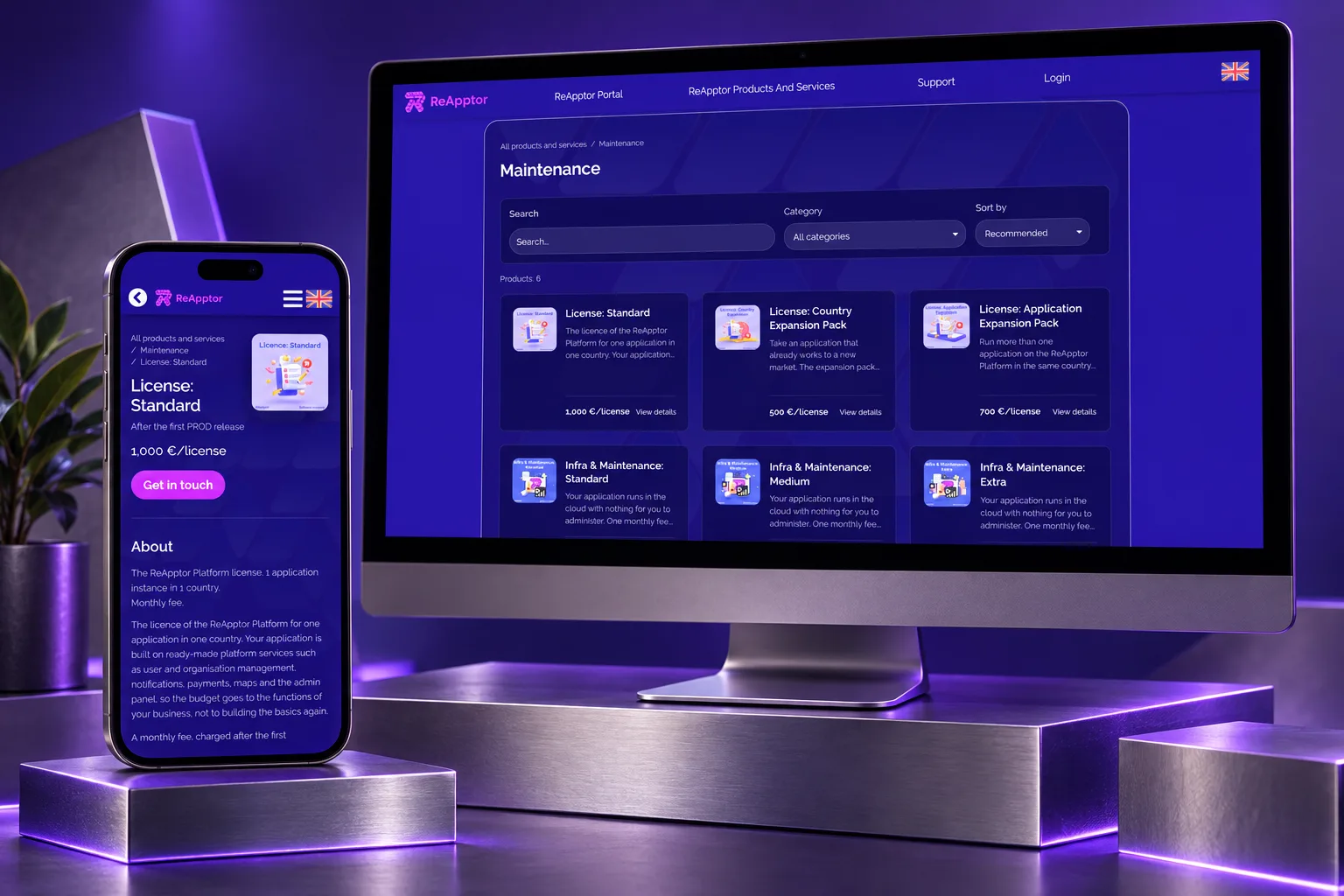
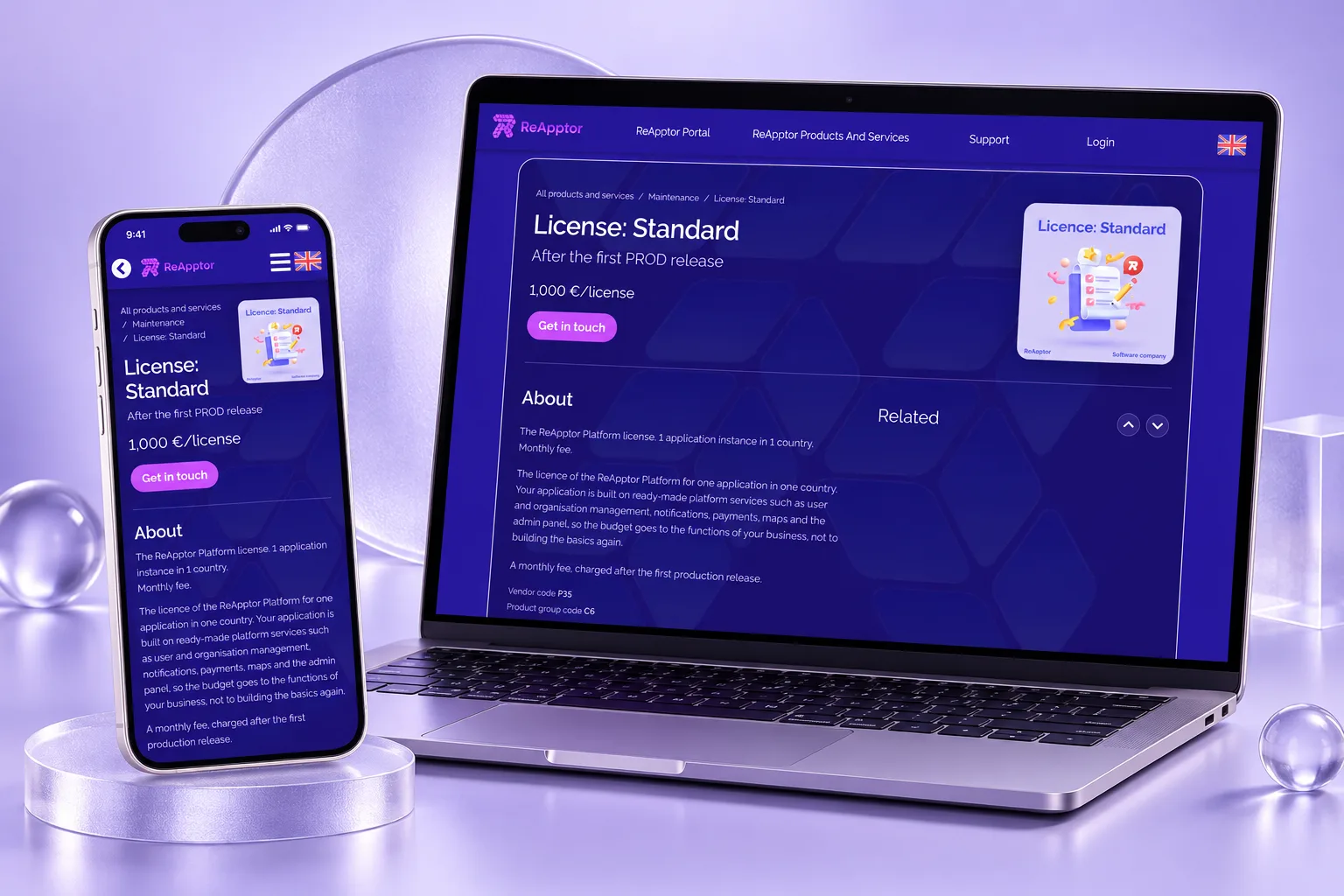
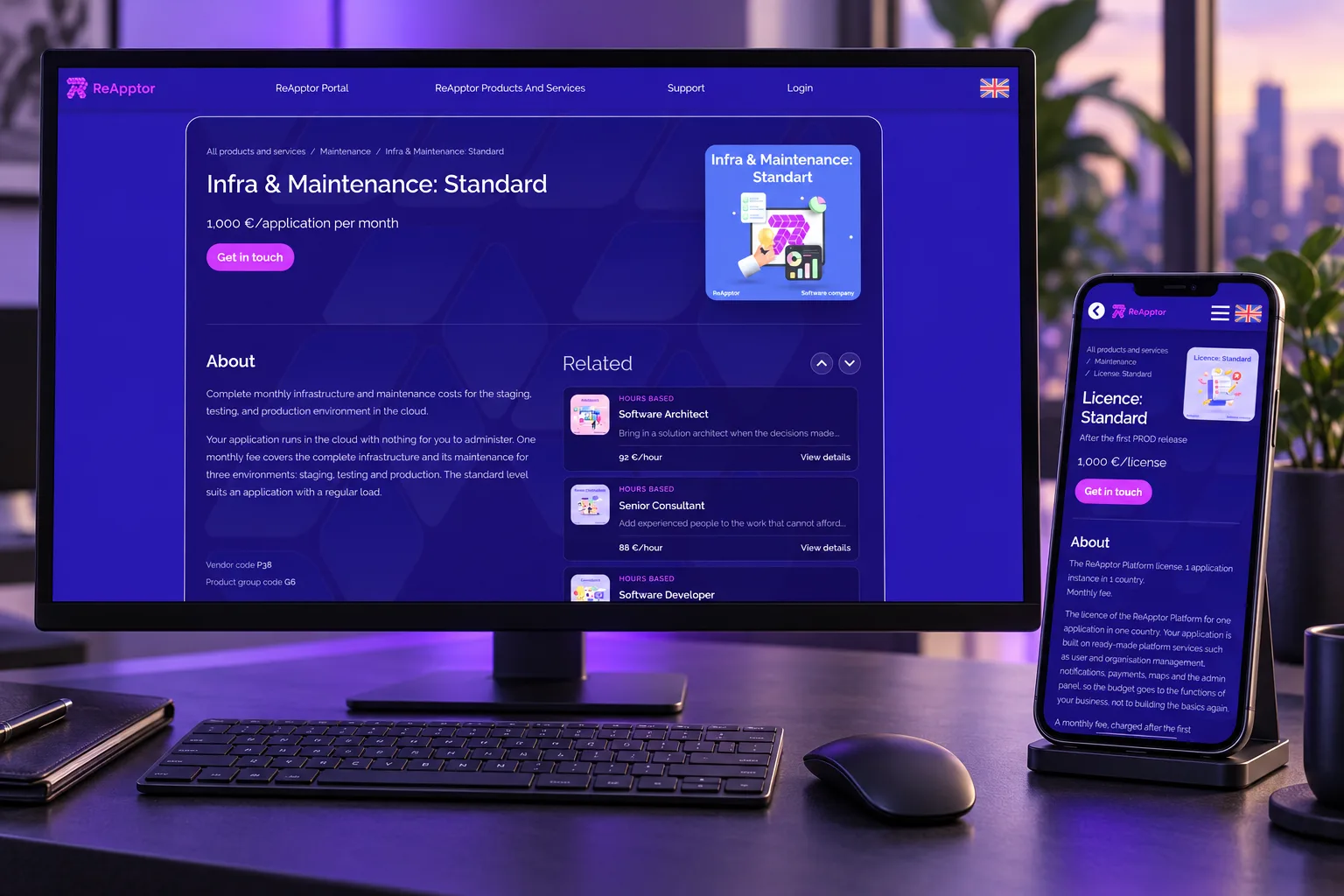
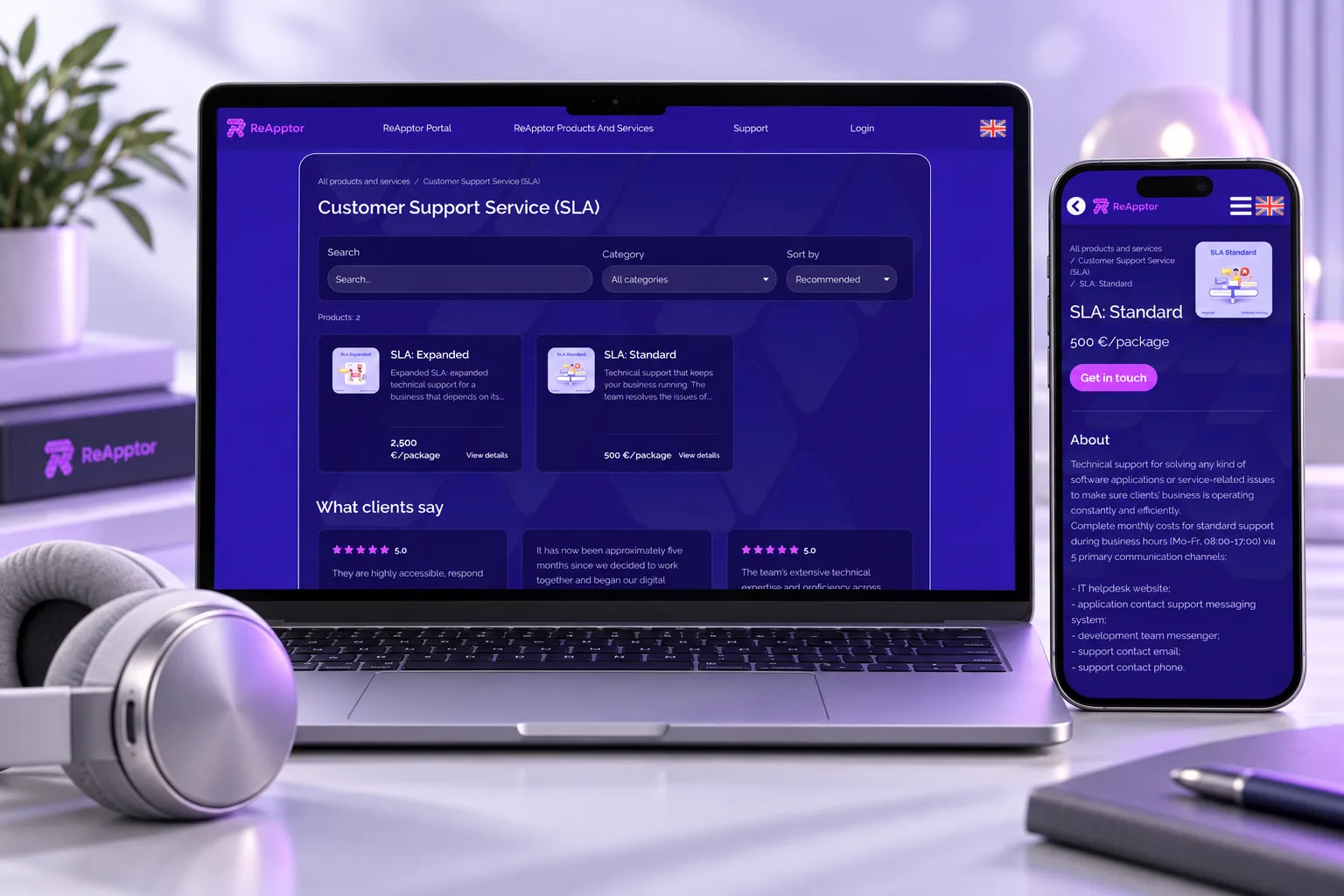
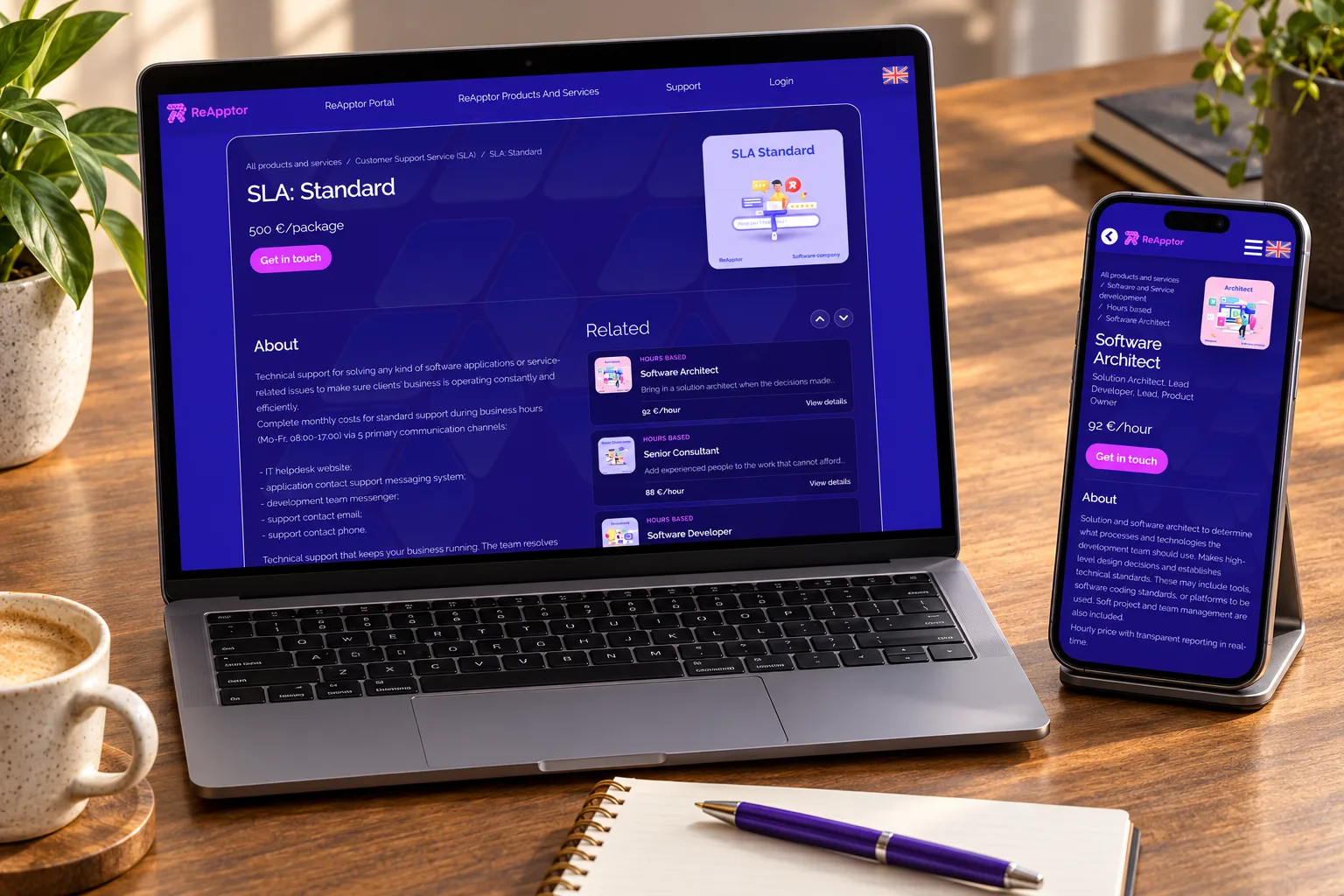
Development, licensing, infrastructure and support are presented together, helping buyers explore the services behind an application.
Supported languages
The application supports multilingual use, with language choices included in setup for teams and customers working across markets.
Case overview
Business problem
The business problem
A digital service needs more than an application. Buyers must understand the offer, while the delivery team must connect customer details, environment setup and ongoing operations.
- A buyer needs to compare development, licensing and support before choosing a delivery model.
- The team needs to know which application, environment and customer each operational task belongs to.
The solution
ReApptor uses its own Portal to present services and manage the work behind customer applications. Catalogue content, customer configuration, environment preparation, health and costs form a connected operating model.
- Buyers explore services, prices and related offers, then contact ReApptor to discuss their needs.
- Teams configure applications and follow preparation, health and resource costs in the relevant customer context.
Screenshots and media
Screenshots and media
Case overview
Reusable platform model
ReApptor Portal is our own management tool, in production and active development. It connects the services we offer with the customer applications and operational responsibilities behind them.
ReApptor can apply this model to your service business: connect what customers buy with how your team sets up, delivers and operates it.
Service discovery
Explore descriptions, pricing units and related services before discussing the right combination with ReApptor.
Customer setup
Connect an application to its organisation and contract, with its own identity, languages and branding.
Environment preparation
Follow the steps that prepare repositories, delivery pipelines and application environments for the team.
Ongoing operations
Review application health, release information and cloud resource costs in their operational context.
Product capabilities
What customers and teams can do
Catalogue
A clear service offer
Present development, licensing, hosting and support as clear services with their own descriptions and pricing units. Give buyers a useful starting point for discussing the combination their business needs.
Configuration
Customer application setup
Connect an application to its organisation and contract before setting up the service. Keep customer identity, languages and branding together so the delivery team works from one defined starting point.
Automation
Environment preparation
Coordinate the steps that prepare an application and its operating environments. Let the delivery team see progress, distinguish completed work and identify the step that needs attention before moving forward.
Monitoring
Service health and releases
Bring application health and release information into an operational view. Help the responsible team identify which environment needs attention and follow its recovery without losing the application's context.
Cost management
Cloud resource costs
View cloud resource costs in relation to applications and customer contracts. Separate shared, assigned and unclassified resources so the team can investigate where the operating budget is being used.
Contact and support
A route to the team
Connect service discovery with a direct route to ReApptor. Send contact and support requests to the team with relevant context, ready for a conversation about the customer's needs and next steps.
Reusable platform model
Live use and rollout
internal product deployment
ReApptor customer portal deployment
ReApptor uses Portal for its own service catalogue and application operations. Our management product connects customer applications, environment preparation, monitoring and cloud costs. Its continued development draws on the team's daily delivery work.
How it works
How it works
Visible preparation steps
Environment preparation records individual steps and their status. Operators can locate the stage requiring attention rather than treating setup as a single unexplained result.
Connected operational context
Applications, contracts and resource assignments give health and cost views a customer context. Teams can investigate the service behind a status or expense instead of interpreting isolated records.
Reusable platform model
What ReApptor can reuse from this case
Service catalogue
Help buyers compare your services, understand their scope and contact the right team. Build the catalogue around the way your business sells and delivers.
Customer application setup
Connect customer details, branding and configuration in a repeatable setup process. Give the delivery team a defined starting point for each new service.
Service operations portal
Bring environment readiness, application health and release information into one operational view. Design responsibilities and access around the people who keep the service running.
Resource cost visibility
Connect resource costs to applications, customers and shared infrastructure. Give managers the context to investigate expenses and discuss the operating model with their team.
Useful links
Explore the live experience
Visit the customer touchpoints, watch the service in action and open the applications connected to this case.
Client feedback
The team's extensive technical expertise and proficiency across multiple domains enabled them to integrate solutions effortlessly.Verified review on Clutch
Build the portal behind your service
Show us how customers choose your service and how your team delivers it. We will discuss a system that connects your offer, customer structure and daily operations.
Discuss your portal